

Jarvis Chat is an enterprise chat interface that gives your team access to multiple AI models through 1 secure, governed workspace, deployable on any of 3 supported clouds. It is built for organizations that need control over who can use AI, what data it can access, and how it behaves - all without sacrificing usability.
Overview
About Jarvis Chat
The design centres on security, control, and future-proofing. It deploys directly into your environment, meaning your data never leaves your infrastructure or flows into any external system. Every interaction is governed through native Azure EntraID/RBAC, ACL-level access control, and OAuth-governed egress.
It is also built on open standards like the MCP and A2A protocols, so your setup evolves as the AI ecosystem does - without ripping and replacing. That combination is unusual: most tools give you either the governance or the portability, rarely both.
No. This is licensed, customer-hosted software. We intentionally avoided the SaaS model because enterprise customers require strict data sovereignty and compliance.
You maintain full ownership of your data, conversation history, and audit logs - with no shared infrastructure and no external data transmission. Nothing in the deployment phones home.
Yes, the workspace works fully on its own. It can connect to your existing MCP servers, RAG pipelines, or third-party integrations independently.
It can also be paired with Jarvis Registry for a more complete enterprise AI platform, but that is entirely optional and can be decided later without rework.
Deployment
Getting and running the workspace
It is available on both the AWS Marketplace and the Azure Marketplace, making procurement straightforward for organizations with existing cloud spend commitments.
Buying through a marketplace also means the licence draws down an existing commitment rather than opening a new vendor relationship, which is usually the faster path through procurement.
Virtually anywhere you run Kubernetes clusters. We natively support AWS (EKS), Microsoft Azure (AKS), and Google Cloud (GKE). Hybrid and on-premises Kubernetes environments are also supported.
The practical guidance is to deploy into the account and region that already holds the data the workspace will read, so the data boundary question never comes up in review.
Security & access control
Security and access control
The workspace integrates with your existing enterprise identity provider and supports SSO, RBAC, and SAML/OAuth. You have precise control over which users and groups can access specific AI models, tools, and knowledge bases.
Enforcement happens at the platform level rather than being left to individual users, which means a policy change applies immediately to everyone rather than waiting for people to update a setting.
Built-in guardrails match your organization's data policies. You can enable PII detection, define DLP (Data Loss Prevention) rules, and set custom privacy policies so sensitive information is never exposed to AI models or external systems.
Because filtering runs before the request leaves your environment, the protection does not depend on which model a given team happens to be using that week.
Features & integration
Features and integration
The workspace integrates with OpenAI, Anthropic, AWS Bedrock, and more. You can switch between models, compare outputs, and route requests to the right provider - all from a single interface.
As new models emerge, you can add them without changing your underlying setup, so model choice stays a configuration decision rather than a migration.
Yes. A JavaScript SDK, Web Components, and iFrame support let you embed the interface directly into your existing portals, internal tools, or custom applications.
Your teams get a governed AI experience without leaving the products they already use, which matters more for adoption than any feature in the interface itself.
Yes. AI-driven agents can automate routine tasks, orchestrate multi-step workflows, and handle complex processes end-to-end.
This lets your teams focus on higher-value work while agents handle the repetitive work in the background, under the same access policy and audit trail as the conversations around them.
Yes. An enterprise knowledgebase feature lets you upload documents and connect internal data sources. Your team can then ask questions in natural language and get accurate, AI-generated answers grounded in your own organizational data - not generic internet content.
Retrieval is identity-bound, so a user only ever receives answers drawn from sources they are already permitted to read.
Access follows identity, so revoking the account in your identity provider removes access to the workspace on the next request. The conversation history itself stays inside your environment, where your existing retention and legal-hold policies apply to it.
That is a meaningful difference from a public AI tool, where conversation history sits in a vendor account and offboarding depends on whatever export path the vendor happens to offer.
Jarvis Chat specifications
Security review tends to converge on 4 things: hosting, identity, what the workspace can read, and what is written to the log. The rows below settle all 4, with the standards named so nothing rests on this page alone.
| Specification | Value |
|---|---|
| Delivery model | Licensed, customer-hosted — 0 shared infrastructure |
| Runtimes | 3 managed Kubernetes services — Amazon EKS, Azure AKS, Google GKE |
| Model providers | Multiple behind 1 interface, switchable per conversation |
| Caller identity | SSO via OpenID Connect Core 1.0 and SAML 2.0 |
| Authorization | OAuth 2.0 (RFC 6749), Bearer usage per RFC 6750 |
| Token format | JSON Web Token (RFC 7519) |
| Access granularity | 1 ACL entry per model and per knowledge source |
| Knowledge sources | 12 supported source types, retrieval bound to caller identity |
| Embedding options | 3 — JavaScript SDK, Web Components, and iFrame |
| Tool access | Model Context Protocol (MCP) over JSON-RPC 2.0 |
| Guardrails | 100+ prebuilt policies across 4 control layers, applied before the model call |
| Transport security | TLS 1.2 minimum, TLS 1.3 preferred (RFC 8446) |
| Denial responses | HTTP 401 unauthenticated, HTTP 403 policy denial |
| Conversation history | Retained in-account under existing policy — 0 vendor-side copies |
| Offboarding | Access revoked with the identity, on the next request |
| Procurement | 2 marketplaces, 3 standard tiers, USD 18,000–60,000 |
| AI governance reference | NIST AI RMF 1.0 (2023) |
Watch the workspace in action
A short walkthrough of the governed chat workspace: model selection, grounded answers, and where the access policy applies. It covers the same ground as the first 2 categories above, in video form.
Jarvis Chat at a glance
Jarvis Chat is a governed multi-model chat workspace that runs inside your own cloud account. It is built and supported by ASCENDING, an AWS Advanced Tier Services Partner. The 6 rows below cover what enterprise security and platform teams ask before approving a rollout.
| Question | Jarvis Chat answer |
|---|---|
| Where does it run? | Inside your Kubernetes cluster on Amazon EKS, Azure AKS, or Google GKE. Prompt data stays in your environment with private LLM deployment. If you select an external model API, requests are sent to that provider. |
| Which models? | Multiple providers behind one interface, including Anthropic Claude and Amazon Bedrock models, switchable per conversation. |
| Who can use what? | Azure EntraID sign-in with RBAC, plus ACL rules that scope individual models and knowledge sources to named users or teams. |
| What can it read? | Uploaded documents and connected internal sources, so answers are grounded in your own content rather than public web data. |
| Can it be embedded? | Yes — the chat surface can be embedded into an existing internal portal or application rather than run as a separate destination. |
| What gets logged? | Every prompt, response, model selection, and knowledge citation, retained in your environment for audit and SIEM ingestion. |
How to get Jarvis Chat running
A first Jarvis Chat workspace is normally live for a pilot team well before any organisation-wide announcement. These 5 steps are the sequence ASCENDING follows on customer deployments, and each one is independently reversible.
- Procure through a marketplace. Subscribe on AWS Marketplace or Azure Marketplace so the licence draws down existing cloud commitment.
- Deploy to your cluster. Install into an existing EKS, AKS, or GKE namespace in the region where your data already lives.
- Connect identity. Point Jarvis Chat at Azure EntraID and map existing security groups onto chat roles and model entitlements.
- Attach knowledge. Upload the first document set or connect an internal source, then confirm citations resolve to the right records.
- Set guardrails, then invite users. Enable PII redaction and topic policy, review the first week of audit logs, and widen access from there.
Inside the Jarvis Chat workspace
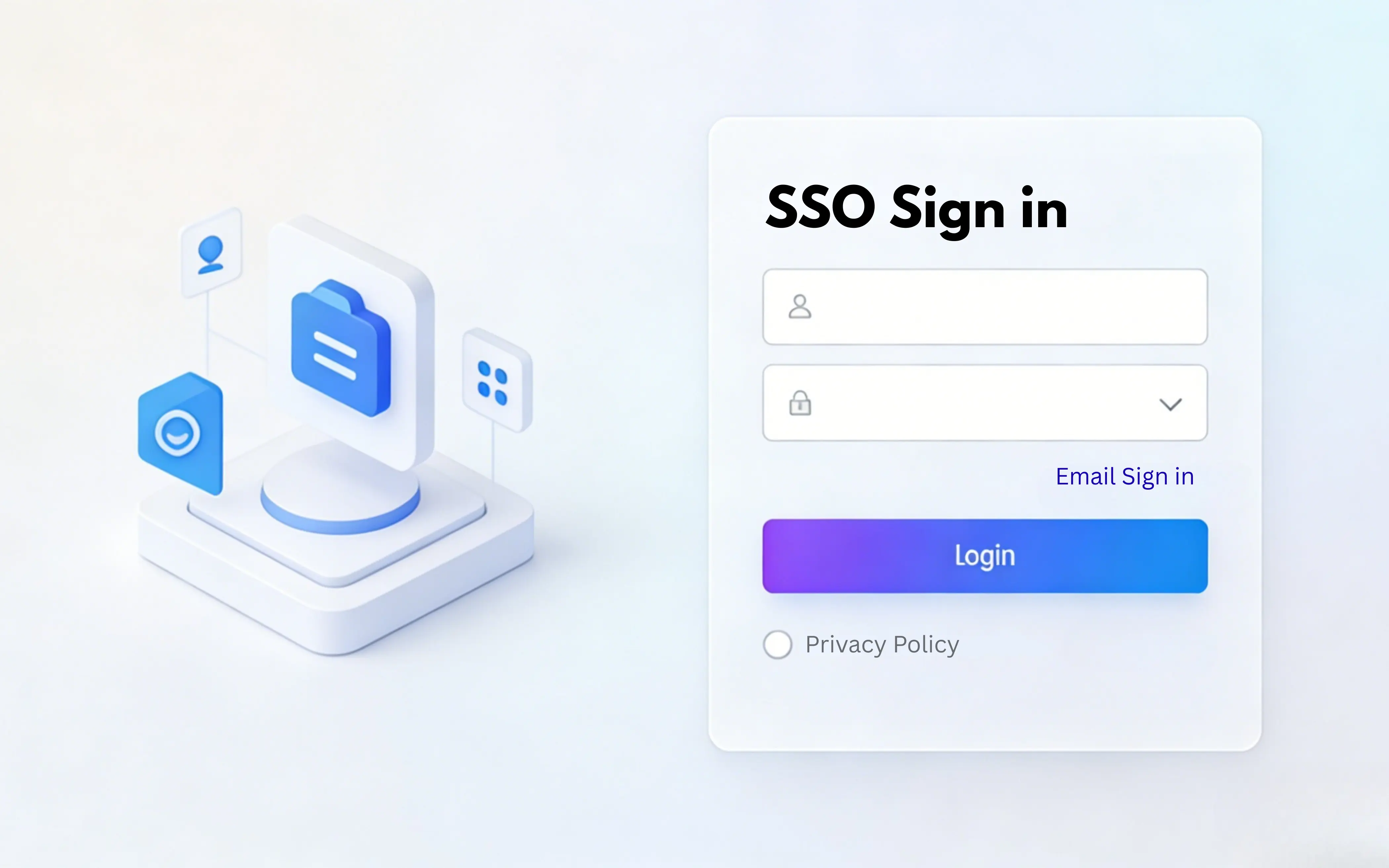
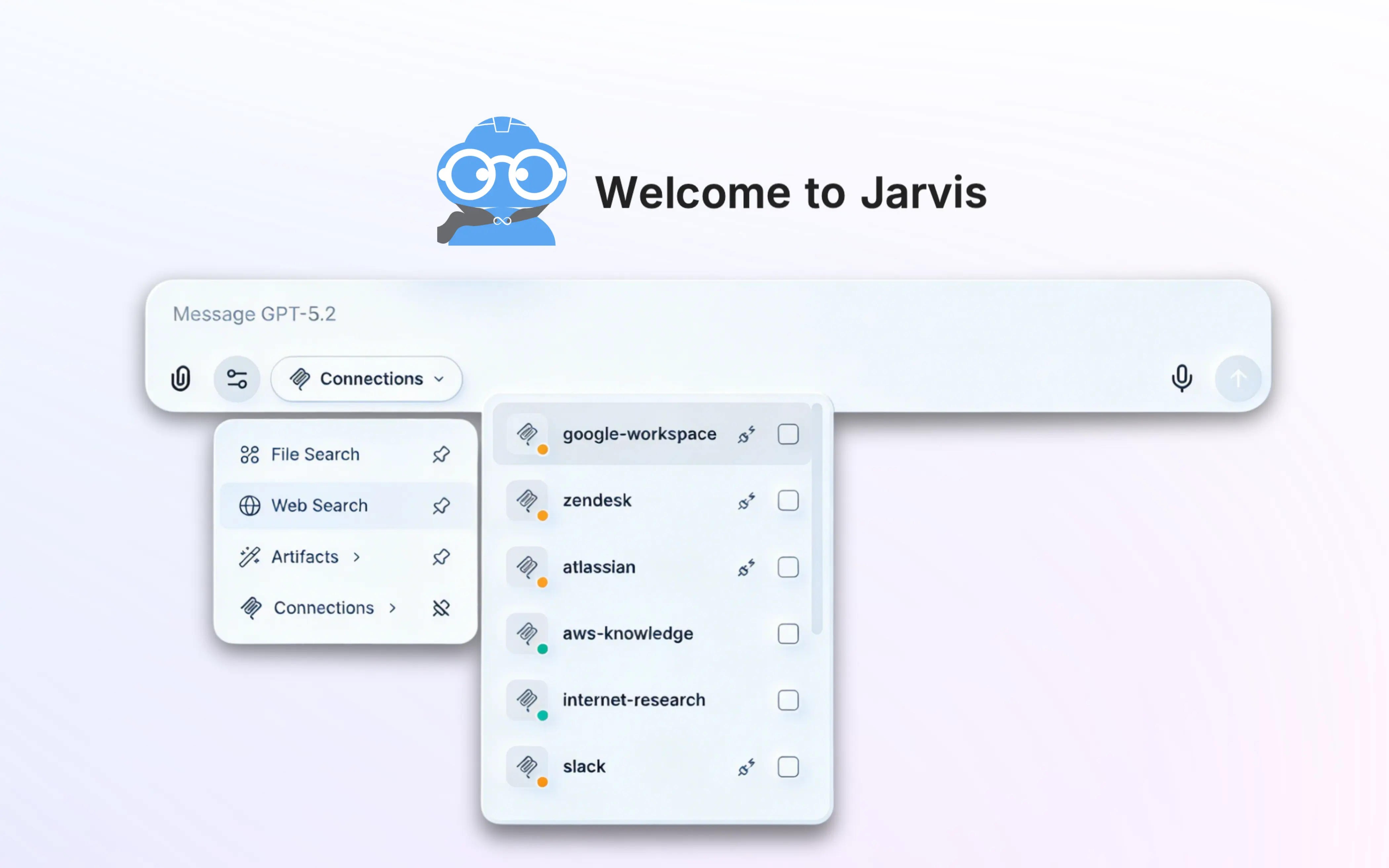
Access control and data privacy are configured before any conversation happens, so the governance posture does not depend on how individual users behave in the chat window.
Related Jarvis resources
Jarvis Chat is one half of the platform. These pages cover the governance layer it connects to and the wider set of platform questions.
- Jarvis Chat product overview — features, screenshots, and deployment options.
- Jarvis AI platform FAQ — licensing, hosting, and compliance questions that span both products.
- Jarvis Registry FAQ — how governed tools and agents are exposed to chat and copilots.
- Jarvis AI Guardrails — PII redaction, topic filtering, and human-in-the-loop escalation.
Standards and references
Jarvis Chat implements published standards rather than proprietary integrations, which is what allows new model providers and tools to be added without re-platforming.
- Model Context Protocol (MCP) — the tool-access standard behind knowledge and agent connections.
- Amazon Bedrock documentation — one of the managed model runtimes Jarvis Chat can front.
- NIST AI Risk Management Framework — the reference model for the guardrail and audit controls.