

Jarvis Registry is an enterprise MCP and Agent Gateway that connects any AI copilot to your enterprise tools through 1 governed entry point, across 3 supported clouds. It handles centralized discovery, routing, authentication, and governance for all MCP servers and AI agents - giving your organization full control over what AI can access and how.
Overview
About Jarvis Registry
No. The registry is a fully independent product. It integrates with any MCP-compatible AI client out of the box and does not require Jarvis Chat to run. That said, when paired with Jarvis Chat, the two form a complete enterprise AI platform with end-to-end governance.
No. It is licensed, customer-hosted software. It deploys directly into your environment so your data, tool access, and agent interactions never leave your infrastructure. There is no shared infrastructure and no external data transmission.
Deployment
Getting and running the registry
It is available on both the AWS Marketplace and the Azure Marketplace, making procurement straightforward for organizations with existing cloud spend commitments.
Virtually anywhere you run Kubernetes clusters. We natively support AWS (EKS), Microsoft Azure (AKS), and Google Cloud (GKE). Hybrid and on-premises Kubernetes environments are also supported.
Copilot Integration
Copilot integration
Jarvis Registry works with any MCP-compatible AI client. This includes Claude Desktop, VS Code, Cursor, GitHub Copilot, Microsoft Copilot, and Jarvis Chat. One registry, every client - no duplicate configuration required per tool or per team.
The gateway sits between your AI copilots between your AI copilots and your enterprise tools - including Jira, Confluence, Slack, Google Drive, Gmail, PostgreSQL, Snowflake, GitHub, Docker, and AWS. Instead of each copilot connecting directly to each tool, all traffic flows through a single governed layer with consistent access controls and audit trails.
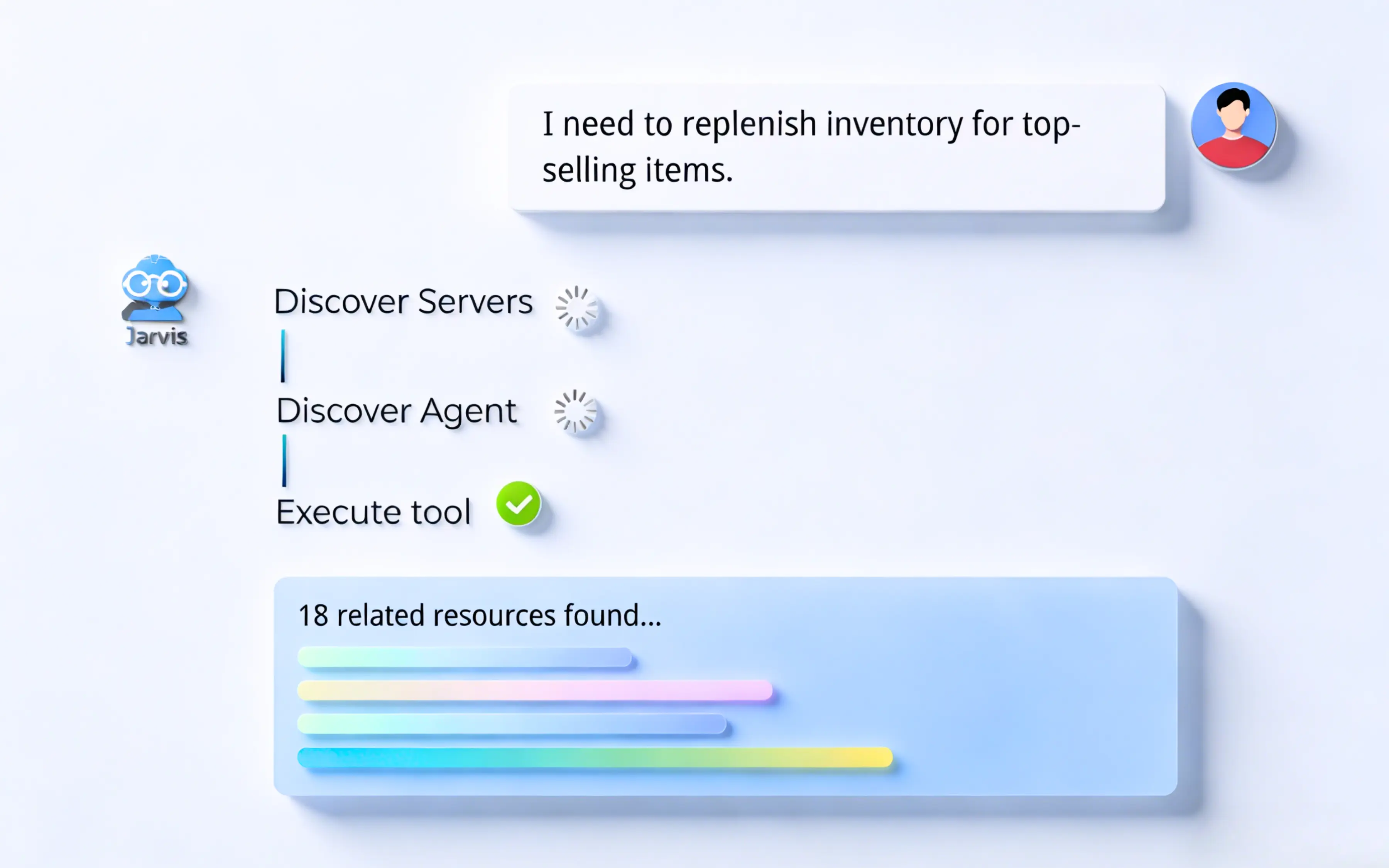
No. Auto-discovery dynamically that dynamically identifies available tools, resources, and skills based on context and permissions. Copilots find the right tools automatically - no manual configuration needed per client.
Security & access control
Security and access control
Fine-grained access controls are enforced at the tool level. It integrates with your enterprise identity provider through OAuth and SAML, supports RBAC (Role-Based Access Control), and allows you to define ACL (Access Control List) policies per user, team, or agent. Every interaction is governed - not just at login, but at every tool call.
RBAC controls access based on a user's role within the organization - for example, a developer role may have access to GitHub and Docker tools while a finance role does not. ACL provides a more granular layer on top of that, allowing you to define specific allow or deny rules for individual users, groups, or agents down to the tool level. Together they give you both scalable and precise control over AI access.
Yes. There is native OAuth integration for both inbound authentication from AI clients and outbound access to enterprise tools and services. This means every connection - whether from a copilot into the registry or from the registry out to a tool - is properly authenticated and authorized through your existing identity infrastructure.
Data in transit is encrypted with TLS for all communication between AI clients, the gateway, and connected tools. Sensitive credentials, tokens, and secrets used for tool connections are encrypted at rest. Decryption occurs only within your own environment - no keys or secrets are ever exposed to or stored in any external system.
Observability & compliance
Observability and compliance
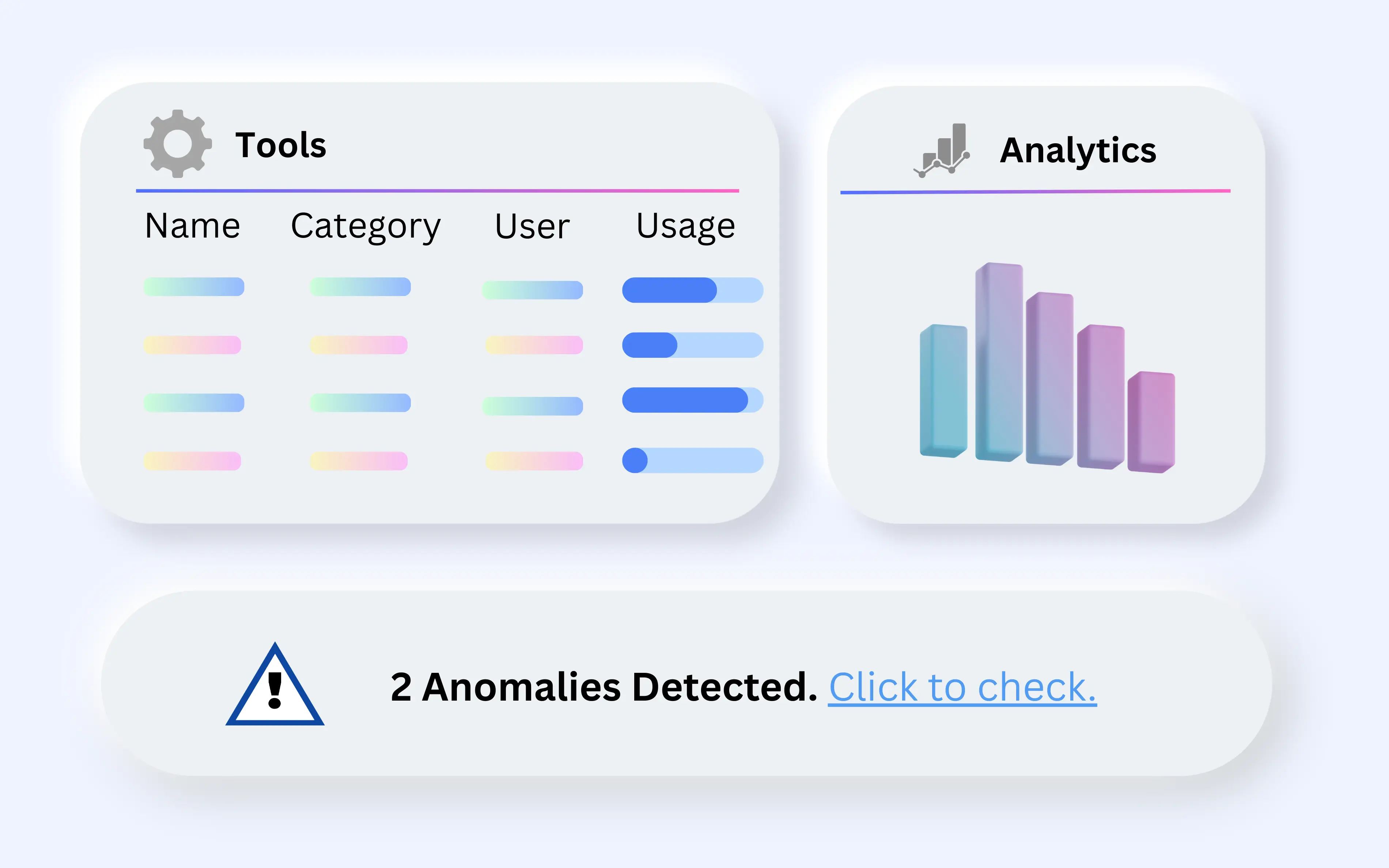
Jarvis Registry provides real-time monitoring, analytics, and complete audit trails for every AI interaction. You can see what tools are being called, by whom, at what time, and with what context. Anomaly detection and alerting are also built in so your team can catch unexpected behavior early.
Yes. Every agent action, tool call, and routing decision is logged. Audit logs are stored within your environment and can be integrated with your existing logging and SIEM tooling. This supports compliance requirements across regulated industries including finance, healthcare, and government.
Jarvis Registry specifications
Whether adopting a registry is a change window or a re-platforming exercise comes down to 3 facts: how many redeploys it needs, how many endpoints clients integrate against, and which protocols it speaks. All 3 are below.
| Specification | Value |
|---|---|
| Client compatibility | Any MCP client; 6 named — Microsoft Copilot, GitHub Copilot, ChatGPT, Claude Desktop, VS Code, Cursor |
| Server redeploys required | 0 — registration is configuration against running endpoints |
| Integration surface | 1 endpoint per client rather than 1 integration per server |
| Tool protocol | Model Context Protocol (MCP) over JSON-RPC 2.0 |
| Agent protocol | A2A with per-agent OAuth 2.0 client credentials |
| Authorization | OAuth 2.0 (RFC 6749), Bearer usage per RFC 6750 |
| Egress scoping | Resource Indicators for OAuth 2.0 (RFC 8707) |
| Public-client flows | PKCE (RFC 7636) |
| Identity federation | OpenID Connect Core 1.0 and SAML 2.0 |
| Access model | RBAC plus per-tool ACL, evaluated on every invocation |
| Encryption in transit | TLS 1.2 minimum, TLS 1.3 preferred (RFC 8446) |
| Secrets at rest | Encrypted; decryption occurs only inside the customer environment |
| Federated clouds | 2 — AWS AgentCore and Azure AI Foundry |
| Telemetry | OpenTelemetry OTLP — 1 span per tool call and agent hop |
| Denial responses | HTTP 401 unauthenticated, HTTP 403 policy denial, HTTP 429 rate limited |
| Runtimes | 3 managed Kubernetes services — Amazon EKS, Azure AKS, Google GKE |
| Zero-trust reference | NIST SP 800-207 (2020) |
Watch the core features
A tour of the 4 capabilities the answers above describe: copilot integration, tool auto-discovery, governance of MCP servers and agents, and full interaction visibility.
Jarvis Registry at a glance
Jarvis Registry is the governed gateway between AI clients and enterprise tools and agents. It is delivered by ASCENDING, an AWS Advanced Tier Services Partner with the AWS Generative AI Competency. These 6 rows answer what platform owners check first.
| Capability | What Jarvis Registry provides |
|---|---|
| Client support | Any MCP-compatible client, including Microsoft Copilot, GitHub Copilot, Claude Desktop, ChatGPT, VS Code, and Cursor. |
| Protocols | MCP for tool discovery and invocation, A2A for agent-to-agent calls, and OAuth 2.0 for delegated authorisation. |
| Identity model | Azure EntraID authentication with RBAC, layered with ACL entries that scope each tool and agent to named users or teams. |
| Federation | Existing AWS and Azure agents are registered in place — no redeploy, no code change, and no second runtime to operate. |
| Egress control | Outbound calls are OAuth-governed, so a copilot can only reach the systems its policy entry explicitly allows. |
| Audit trail | Every tool call, agent hop, and routing decision is logged in your environment and can be forwarded to your SIEM. |
How to onboard your first tools and agents
Registration is a configuration exercise rather than a migration, because Jarvis Registry fronts the MCP servers and agents you already run. The 5 steps below take an evaluation from an empty catalog to a governed copilot integration.
- Deploy the registry. Install into an existing Kubernetes cluster on Amazon EKS, Azure AKS, or Google GKE inside your own account.
- Connect identity. Bind Azure EntraID and map existing groups to registry roles before a single tool is exposed.
- Register what already exists. Point the registry at your running MCP servers and cloud agents; they stay where they are and keep their current runtime.
- Write the access policy. Define per-tool and per-agent ACL entries so each team sees only the catalog entries its work requires.
- Attach the copilots. Point Microsoft Copilot, Claude, VS Code, or Cursor at the registry endpoint and verify the audit trail captures each call.
Discovery and visibility
Auto-discovery keeps the catalog current as teams add MCP servers, while the observability view shows which tools and agents are actually being used and by whom.
Related Jarvis resources
The registry is made up of two gateways plus a catalog. These pages go deeper on each component and on the platform it belongs to.
- Jarvis Registry product overview — architecture, integrations, and deployment options.
- MCP Gateway FAQ — discovery, downstream OAuth, and documented federation integrations.
- Agent Gateway FAQ — agent registration, orchestration, and security scanning.
- Jarvis AI platform FAQ — licensing, hosting, and compliance questions across both products.
Standards and references
The registry is an implementation of open protocols. Reading the underlying specifications is the fastest way to judge how portable a Jarvis deployment is.
- Model Context Protocol (MCP) — the discovery and invocation standard the registry serves.
- RFC 6749 — OAuth 2.0 — the authorisation framework behind governed egress.
- NIST SP 800-207 — Zero Trust Architecture — the model behind per-call identity and policy evaluation.